
Why Meikero
Not just more tools. Safer access to your site's code.
Connecting Claude to WordPress is easy. Letting it work on real themes and plugins without losing control is the hard part.
A connection is not a capability.
Any MCP plugin connects an AI client to WordPress. What matters is what happens after that: what it can touch, what stops a bad edit, and how you get back.
Connection
Your Claude account reaches your site through a revocable key. Nothing is open until you allow it.
Capability
Content, theme and plugin files, SEO, WooCommerce products and builder awareness, in 71 tools.
Guardrails
Permissions per folder, hash-checked edits, backups and PHP validation sit between Claude and your files.

What each approach covers.
Last verified 23 Oct 2026. "Not verified" means we could not confirm it from public documentation. It does not mean unsupported.
| Capability | Meikero | WordPress MCP Adapter | WordPress.com MCP | Arbitrary-PHP MCP plugins |
|---|---|---|---|---|
| Create and edit posts and pagesMeikero creates drafts by default; HTML is sanitized. | Supported | Depends on configuration | Supported | Supported |
| Delete posts and pagesMeikero does not expose deletion. | Not supported | Depends on configuration | Not verified | Supported |
| Upload media filesMeikero reads and edits media metadata only. | Not supported | Depends on configuration | Not verified | Supported |
| Edit SEO titles and descriptionsMeikero needs Yoast or Rank Math. | Requires integration | Depends on configuration | Not verified | Supported |
| Read and edit theme and plugin filesMeikero limits this to folders an administrator approves. | Supported | Depends on configuration | Not verified | Supported |
| Per-folder permissionsOff, Read or Read and write for each folder. | Supported | Depends on configuration | Not verified | Not verified |
| Hash-checked edits and automatic backupsStale edits are rejected; every write makes a backup. | Supported | Depends on configuration | Not verified | Not verified |
| PHP syntax validation before savingMeikero checks PHP files it writes. | Supported | Depends on configuration | Not verified | Not verified |
| Project checkpoints and restoreText files only, up to 300 files and 4 MiB per checkpoint. | Limited | Depends on configuration | Not verified | Not verified |
| WPBakery editingTools appear only while WPBakery is active. | Requires integration | Depends on configuration | Not verified | Not verified |
| ElementorRead-only in Meikero. | Read-only | Depends on configuration | Not verified | Not verified |
| ACFRead-only in Meikero. | Read-only | Depends on configuration | Not verified | Not verified |
| OxygenPreview bridge; Meikero rollback does not cover it. | Limited | Depends on configuration | Not verified | Not verified |
| WooCommerce productsProducts only. No orders or customers. | Requires integration | Depends on configuration | Not verified | Not verified |
| Revocable key per clientWordPress.com uses OAuth 2.1 and per-tool toggles. | Supported | Depends on configuration | Supported | Not verified |
| Works with clients other than ClaudeMeikero supports Claude today; other clients are planned. | Not supported | Supported | Supported | Not verified |
Method. Meikero rows come from the product itself. Other columns come from public documentation and may be out of date. "Arbitrary-PHP MCP plugins" is a category (for example Novamira and InstaMCP), not one product, and what it can do depends on the plugin. Sources: WordPress MCP Adapter, Adapter 0.3.0 announcement, WordPress.com MCP settings, InstaWP comparison.
Every change goes through the same steps.
- Read. Claude reads the file and gets its current hash.
- Edit. The write must include that hash. If the file changed, it is rejected.
- Validate. PHP files are syntax-checked before they are saved.
- Back up. A backup is created automatically.
- Restore. You can restore a backup or a checkpoint.
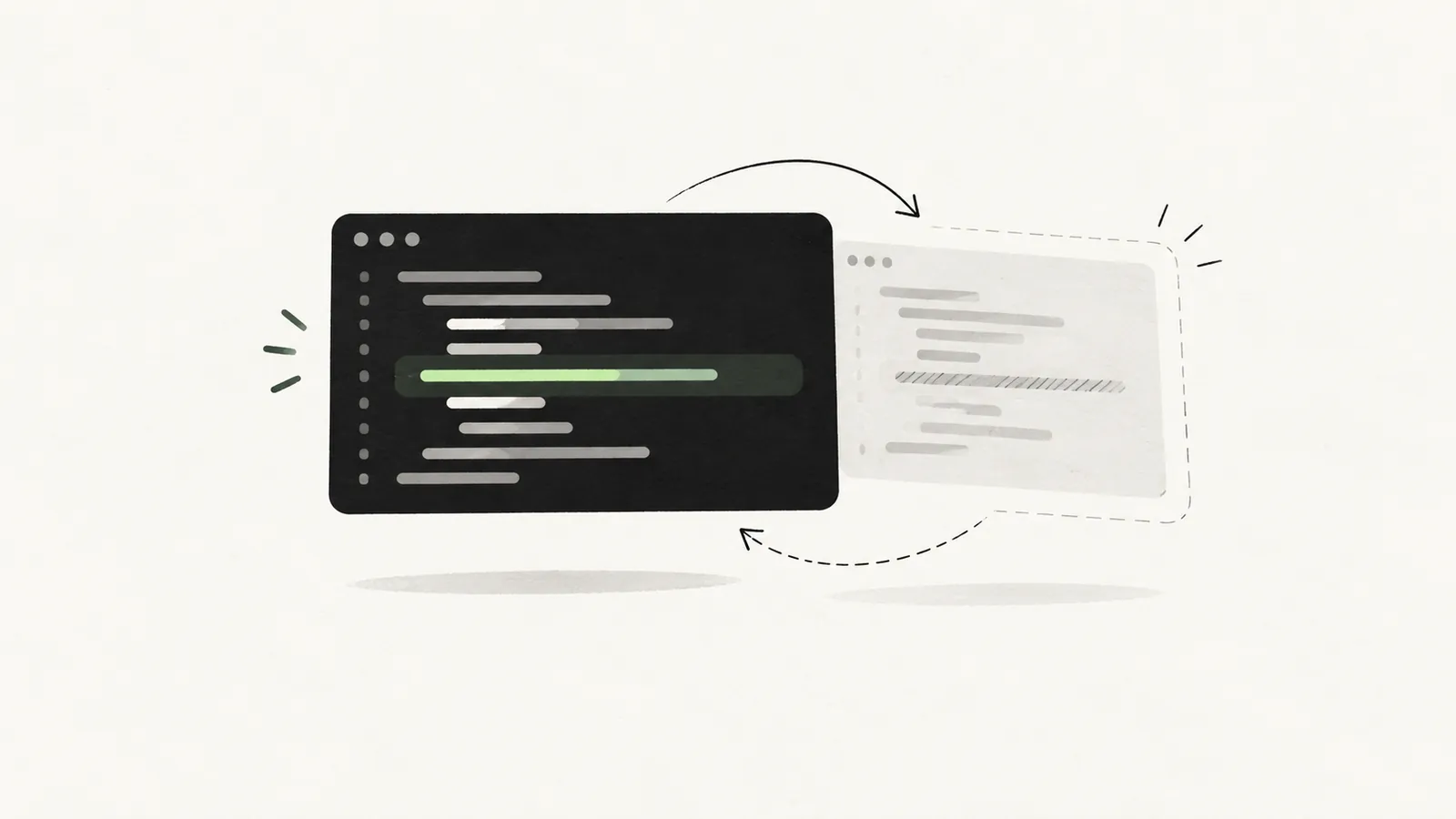
Illustrative example, not a real log
  .site-header {
-   background: #fff;
+   background: #0b0b0c;
}What it looks like in practice.
Illustrative workflows, not recorded sessions.
Adjust a theme template
Claude saves a checkpoint, reads the template, patches one section, and the PHP is validated before saving. If you dislike it, restore the checkpoint.
Needs: Read and write on that theme folder.
Rewrite product descriptions
With WooCommerce active and the scope allowed, Claude reads products and updates their text. Orders and customers stay out of reach.
Needs: WooCommerce scope with write access.
Write SEO titles and descriptions
Claude reads existing metadata and updates titles and descriptions through Yoast or Rank Math. Check the rendered page afterwards.
Needs: Yoast or Rank Math, plus the SEO scope.

Claude asks. Your site decides.

Built for people who work in WordPress code.
Freelancers
Speed up theme and plugin work for client sites, with backups behind every edit.
Agencies
Same tools on every plan, so you pick a plan by the number of sites.
Site owners
Start read-only, let Claude explain your site, then allow edits where you are comfortable.
Not for everyone. If you need other AI clients today, media uploads, deletion, or order and customer data, Meikero does not cover that yet.
You stay in control.
Scoped by default
Nothing is accessible until an administrator enables it, per data area and per folder.
Revocable keys
Each client has its own key you can revoke at any time.
Protected source
Meikero's own code and license secrets cannot be edited through the connector.
Honest limits
Checkpoints are not a full site backup, and AI audits need your review.
Questions we expect.
Is Meikero an official WordPress product?
No. Meikero is an independent plugin. It is not made by or affiliated with WordPress.org or Automattic.
Does Meikero see my Claude conversations?
No. Your Claude account calls your site through a connector you add yourself. Meikero only receives the tool requests Claude sends to your site.
What is the difference between a license key and a connection key?
The license key (MK-...) activates your plan. The connection key is the Bearer key Claude uses to reach your site. Never share either one.
Can Claude change anything I have not allowed?
No. Each data area and folder is Off, Read or Read and write, and an administrator controls it. Meikero's own code and license secrets cannot be edited through the connector.
Can I undo a change?
Writes create automatic backups, and you can save project checkpoints. Checkpoints cover supported text files only, so keep normal site backups too.
Can Claude delete posts or upload media?
No. Deleting posts and pages and uploading media files are not supported.
Does it work with Elementor, ACF or Oxygen?
Elementor and ACF are read-only. Oxygen has a preview bridge that Meikero rollback does not cover. WPBakery editing works while WPBakery is active.
Does it work with WooCommerce?
Yes, for products, when WooCommerce is installed and the scope is allowed. Orders and customers are not exposed.
Which AI clients work today?
Claude. Support for other clients is planned but not available yet.
Do the paid plans have different tools?
No. The tools are the same on every plan. Plans differ by the number of sites.
What does the Free plan include?
Permitted reading and audits. Tools that change your site need a paid license (or the free 4-hour trial) and administrator permissions.
Is this a replacement for the WordPress MCP Adapter?
Not necessarily. The Adapter exposes abilities that plugins register publicly and is extensible. Meikero is built for working with theme and plugin code under guardrails. They solve different problems.
Should I use it on a live site?
Start with read-only permissions, try changes on staging, widen access gradually, and keep your own backups.
How current is this comparison?
It was last verified on 23 Oct 2026 against public documentation. Products change, so check the sources below.
Try it read-only first.
Install Free, connect Claude, and look around before you allow a single edit.